Digital nomad safety starts with protecting your data, devices and productivity while working from anywhere.
Work and travel mix well in the modern world — and it’s easier than ever to be financially independent as a digital nomad. Being productive without ever setting foot in an office has finally become normalized. Meanwhile, service-based tools make it easy to do complex tasks or communicate with colleagues from anywhere using just a basic laptop and smartphone.
Here’s what no one tells you about the digital nomad lifestyle, though. Greater accessibility comes with its own risks. Some are travel-related, while others can start to grate on you after you’ve been hopping from country to country for a while. This article covers the most common real-world threats you may come across, their impact on your productivity, and effective strategies for sidestepping the danger.
Common Digital Nomad Risks and Remote Work Security Threats
Unsafe Wi-Fi
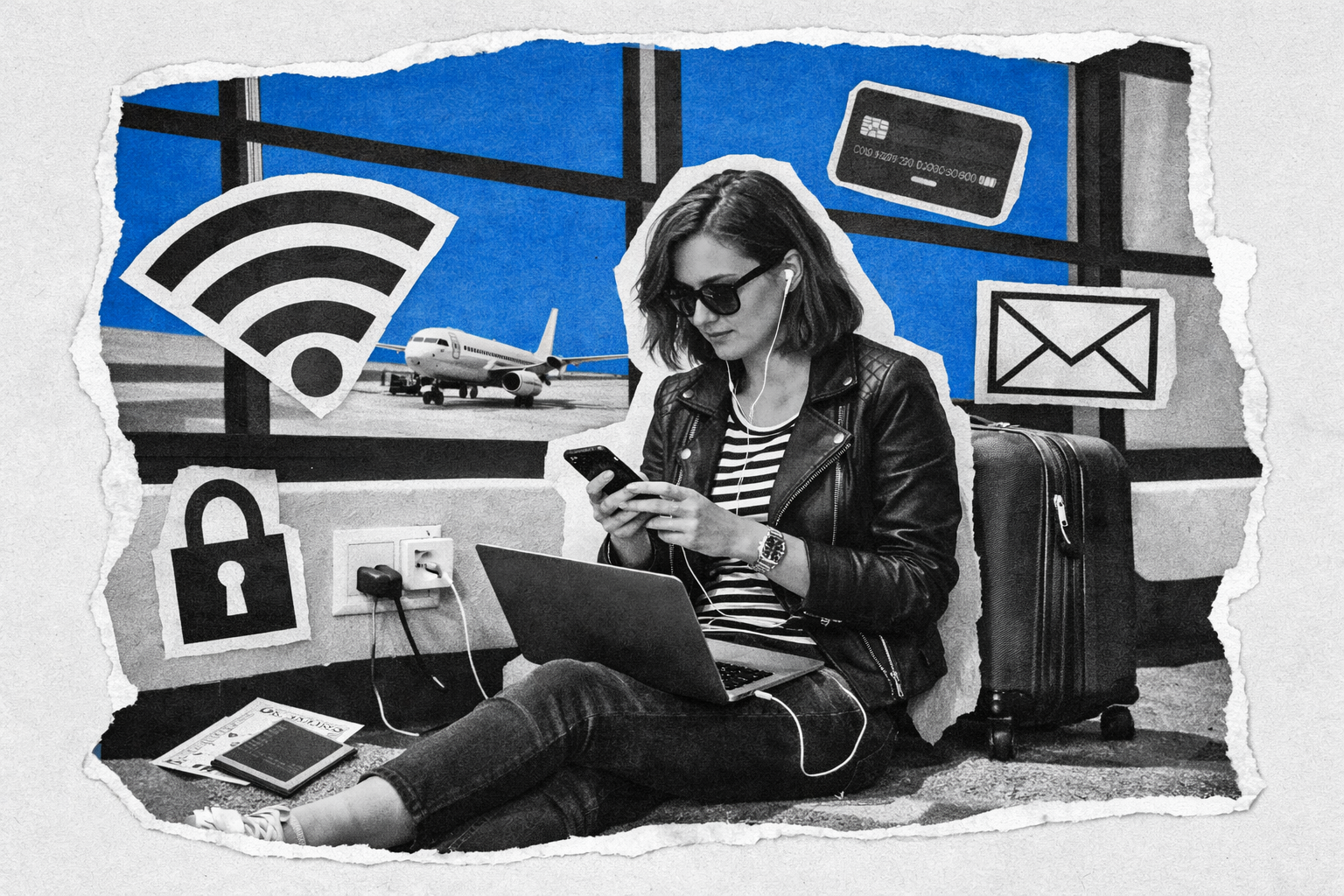
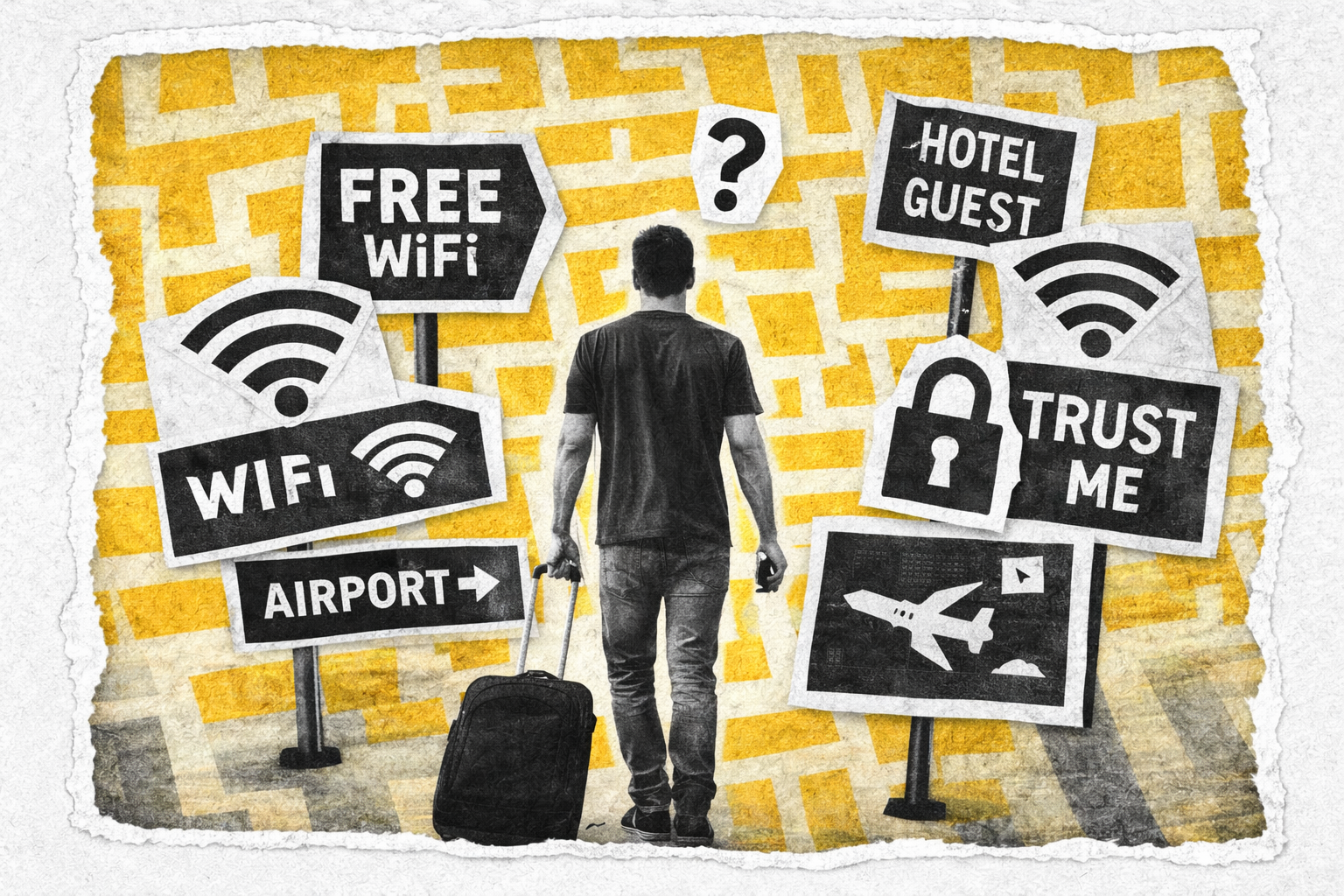
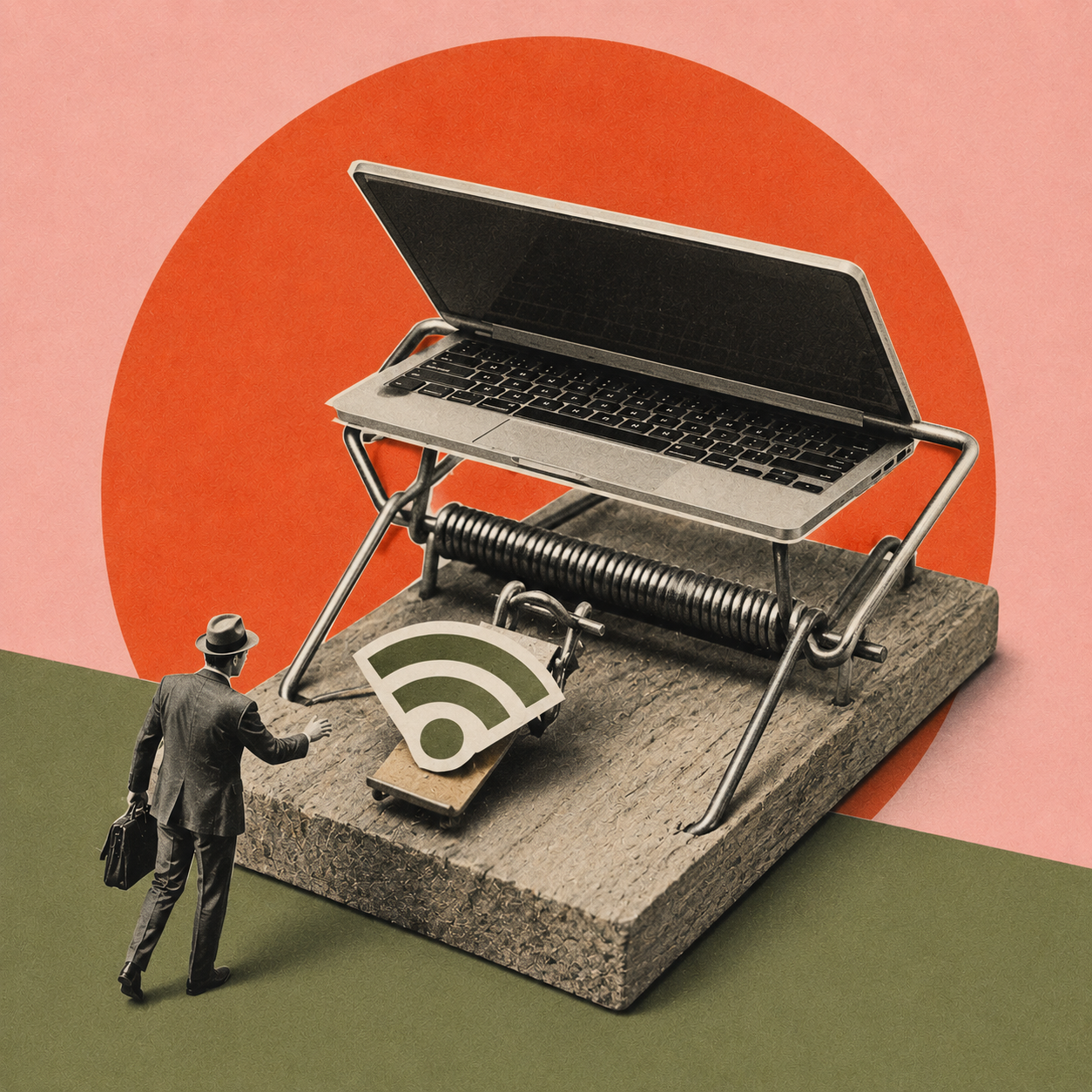
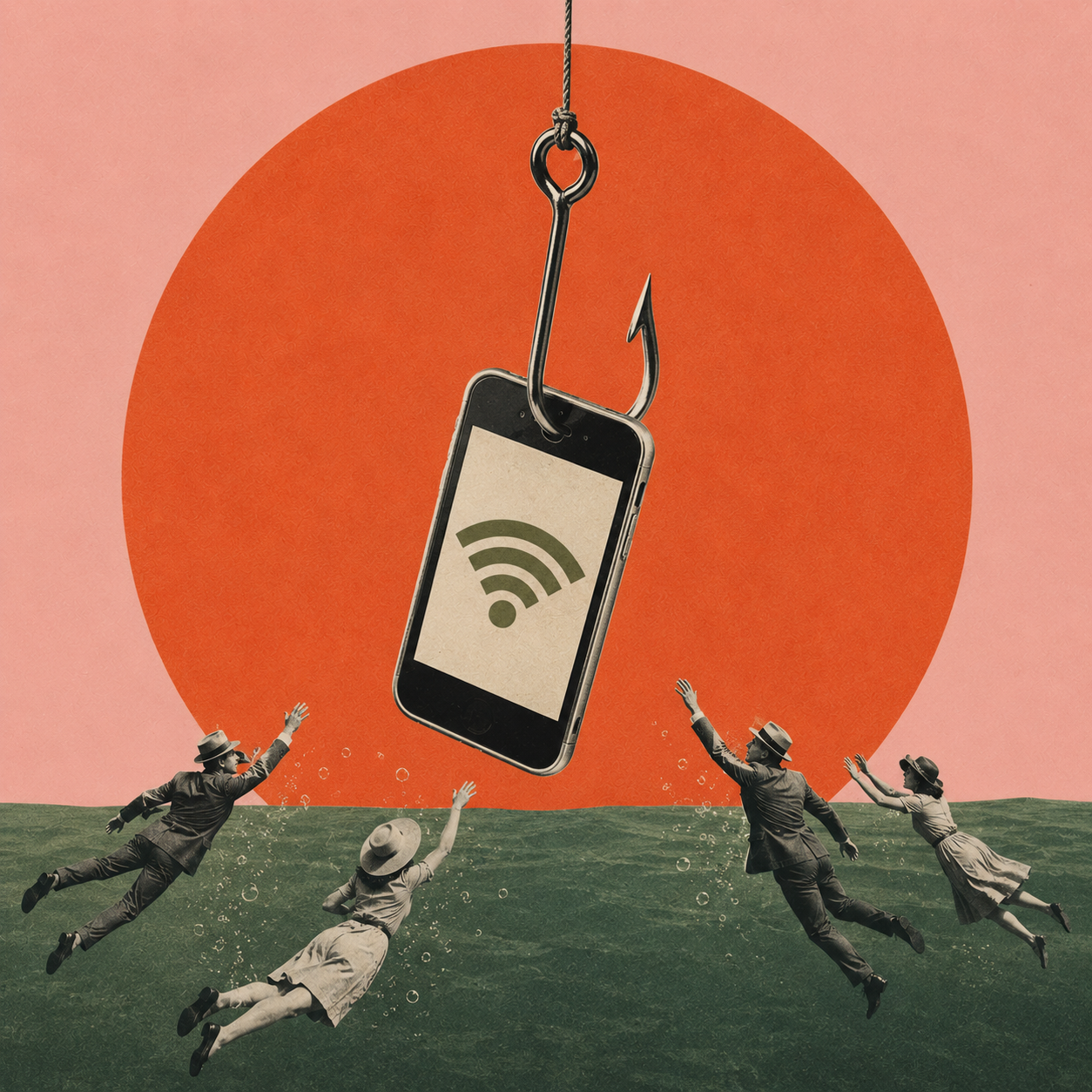
Fast and stable internet is non-negotiable for online work. Luckily, you get to access it as soon as you land, from your Airbnb or hotel, and from any self-respecting local venue. The Wi-Fi they offer is legitimate, but can also serve as cover for malicious attacks.
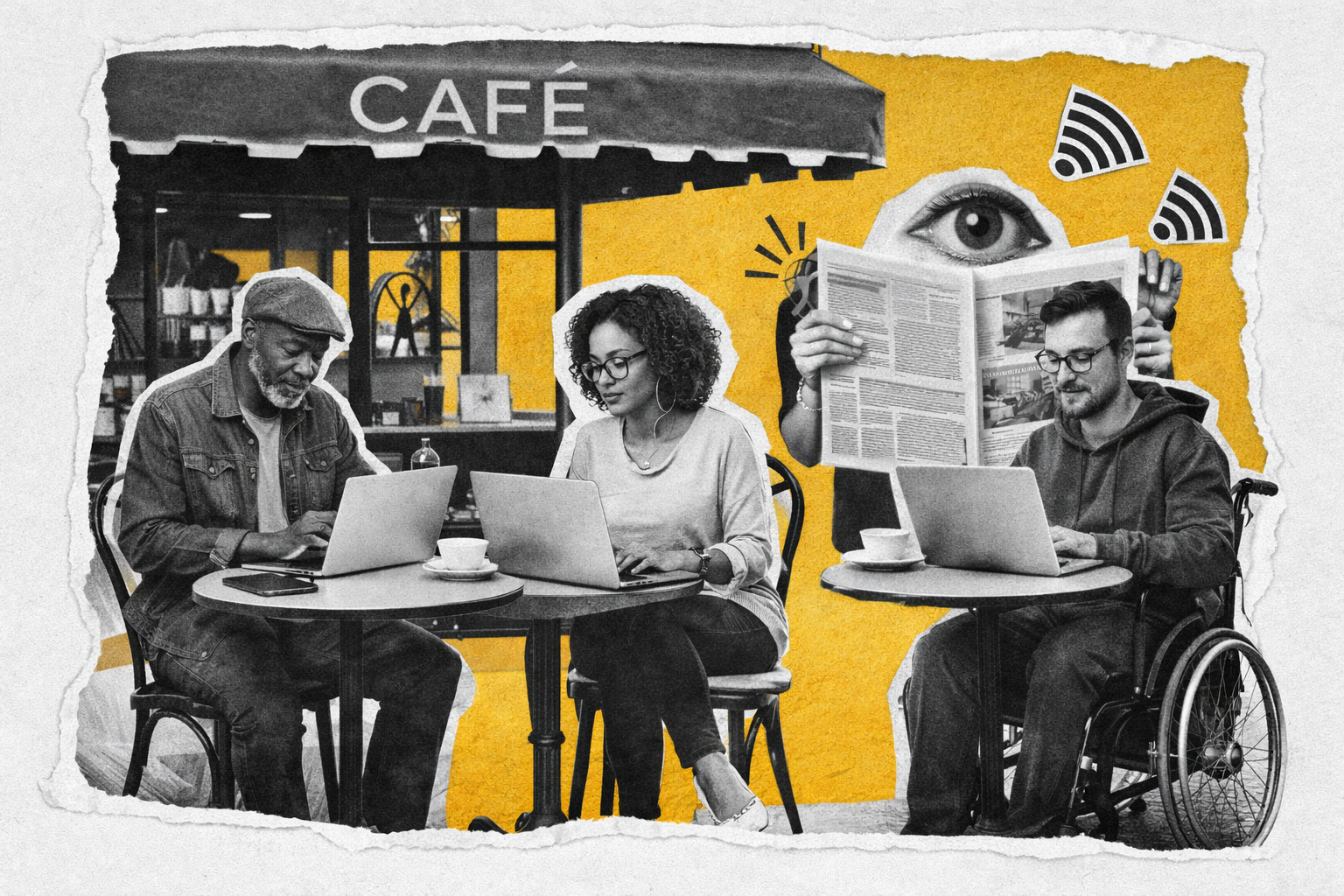
Connecting to a fake hotspot gives its operator a lot of leverage. They can intercept any unsecured data you transmit, capture session cookies, or redirect you to harmful websites. Apart from that last one, you won’t even notice the attack until you get locked out of accounts. Even if you use two-factor authentication, having to reset passwords or clue IT in about a possible threat can cut into work time (and lead to more cybersecurity training).
Device Theft
Having your laptop or phone stolen is the cruelest and most effective way of disrupting your workday. Finding the device is unlikely, and replacing it will take time even in a first-world metropolis.
If you were careless enough to leave the device open, the thief may now have access to open accounts, company secrets, and your personal information. If they’re enterprising, they might use this info to commit identity theft or start scamming your business and personal contacts — even from a locked phone!
Account recovery also gets trickier since losing your phone means losing your main means of authentication. Tech-savvy thieves can reset account credentials and misuse stored authentication measures, locking you out permanently.
Geo Restrictions
Sometimes policies designed to protect users can work against you. Let’s say you’re a digital nomad who arrived in Colombia after having spent the last couple of months in Italy. You log into a payment app to cover a meal, only for it to lock you out because the location difference and unusual login triggered a safeguard.
Depending on what exactly you lose access to, the consequences range from mild inconveniences to lockouts it can take days to sort out.
Decision Fatigue
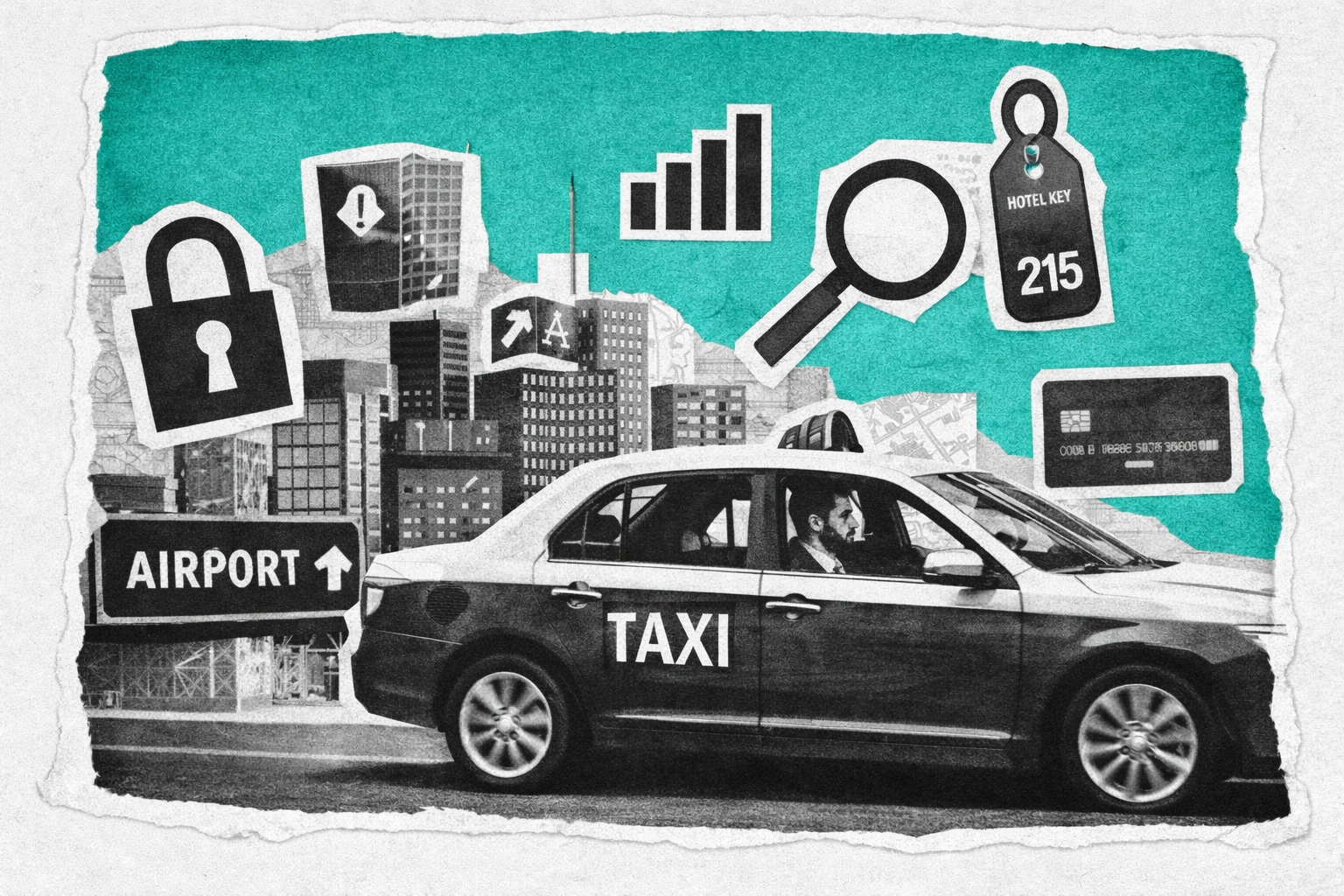
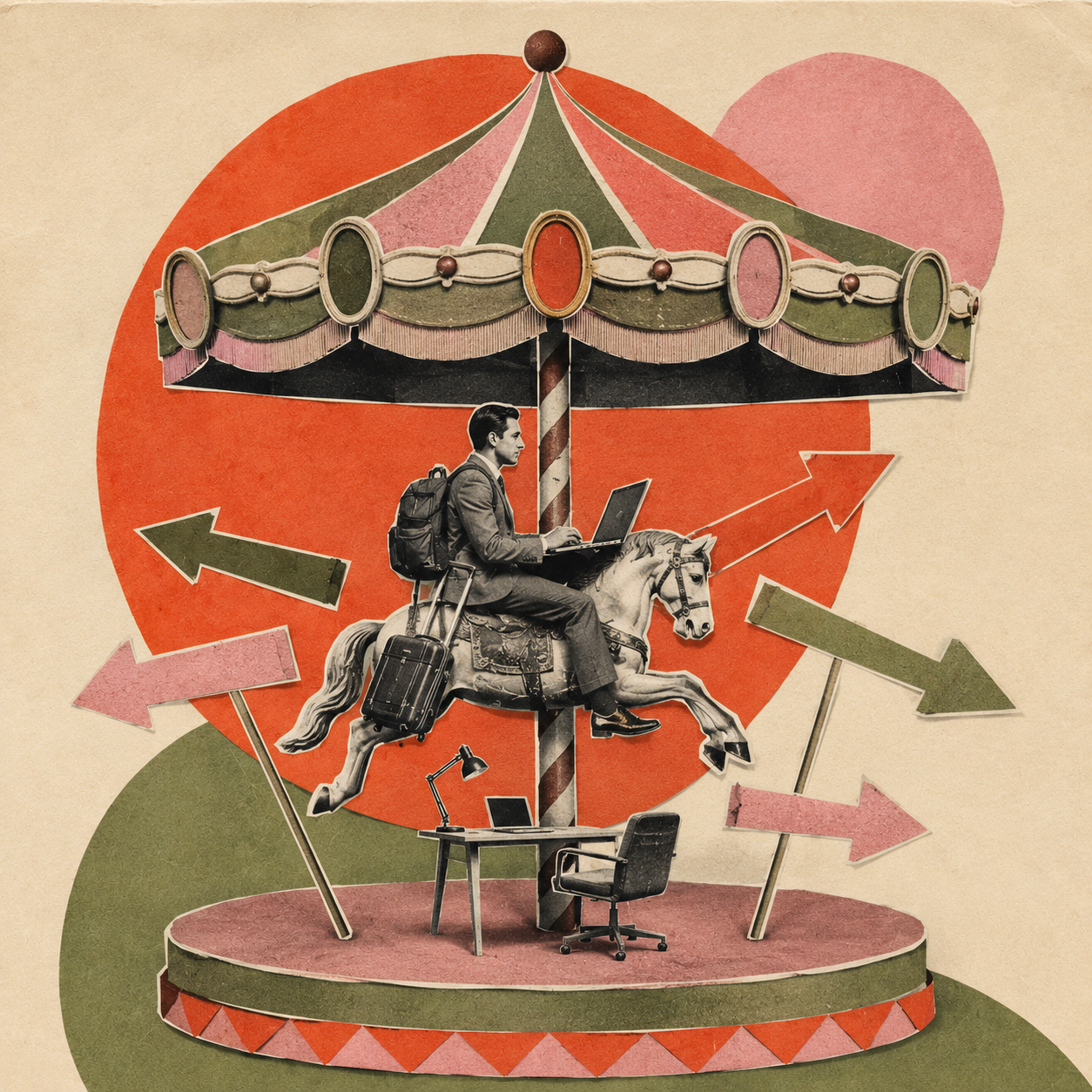
Working on the go means never running on autopilot. You constantly have to be aware of where you’re staying, nearby coworking options, transportation, etc. And that’s without accounting for work-specific challenges and the expectation of maintaining productivity.
All of this inevitably takes its toll. Slip-ups might start small, like taking longer to complete project milestones. If not addressed, soon enough you’ll be sending files to the wrong coworkers or skipping security steps in place to protect both you and clients. Given enough time, sloppy mistakes might cause your credibility to tank.

Remote Work Security Best Practices for Travelers
What can you do about these threats? Staying safe and productive means using the right tools and strategies to protect your physical and digital safety as well as your mental health.
Connect safely through VPNs.
Public Wi-Fi is too useful to ignore when your livelihood depends on it. Your best bet is to mitigate the danger with a VPN since they’ll encrypt the connection and make it considerably harder for snoops to obtain your data or track your online whereabouts. They’re also a convenient fix for location-based false alerts since IP masking lets you present as working from your home country while traveling.
Maybe you’re renting a laptop in a coworking space and can’t install a full VPN program. Or you only need it for specific tasks like checking marketing dashboards in different regions. VPN extensions for Chrome or another browser are the lightweight apps you should choose.
Help ensure physical security.
Always keep an eye on your devices and don’t leave them out in the open when they aren’t in use. Laptops can also be physically tethered to tables, etc., making them much harder to steal.
Make sure to encrypt the contents of your drives and lock all devices with biometrics. This minimizes the potential fallout even if someone steals it from you.
Beat decision fatigue with standardization.
Save the diversity inherent to the digital nomad lifestyle for after hours. While you’re working, wherever that may currently be, strive to create a digital and physical environment that changes as little as possible.
This can mean different things, from creating and sticking to core workflows and business tools to always staying in the same type of accommodations. The idea is to offload most of the micro-decisions you make when traveling so you can focus on meaningful work instead of stressing over details. –Beatrice Whitmore
Key Takeaways
Connecting to public or unsecured Wi-Fi networks can allow cybercriminals to intercept your data. Using the best VPN for Android or iOS is crucial for encrypting your connection.
The theft of a work device can lead to significant downtime and potential data breaches, highlighting the need for physical security measures and full-drive encryption.
The constant decision-making required by travel can lead to decision fatigue and costly mistakes, which can be avoided by standardizing your work environment and routines.